
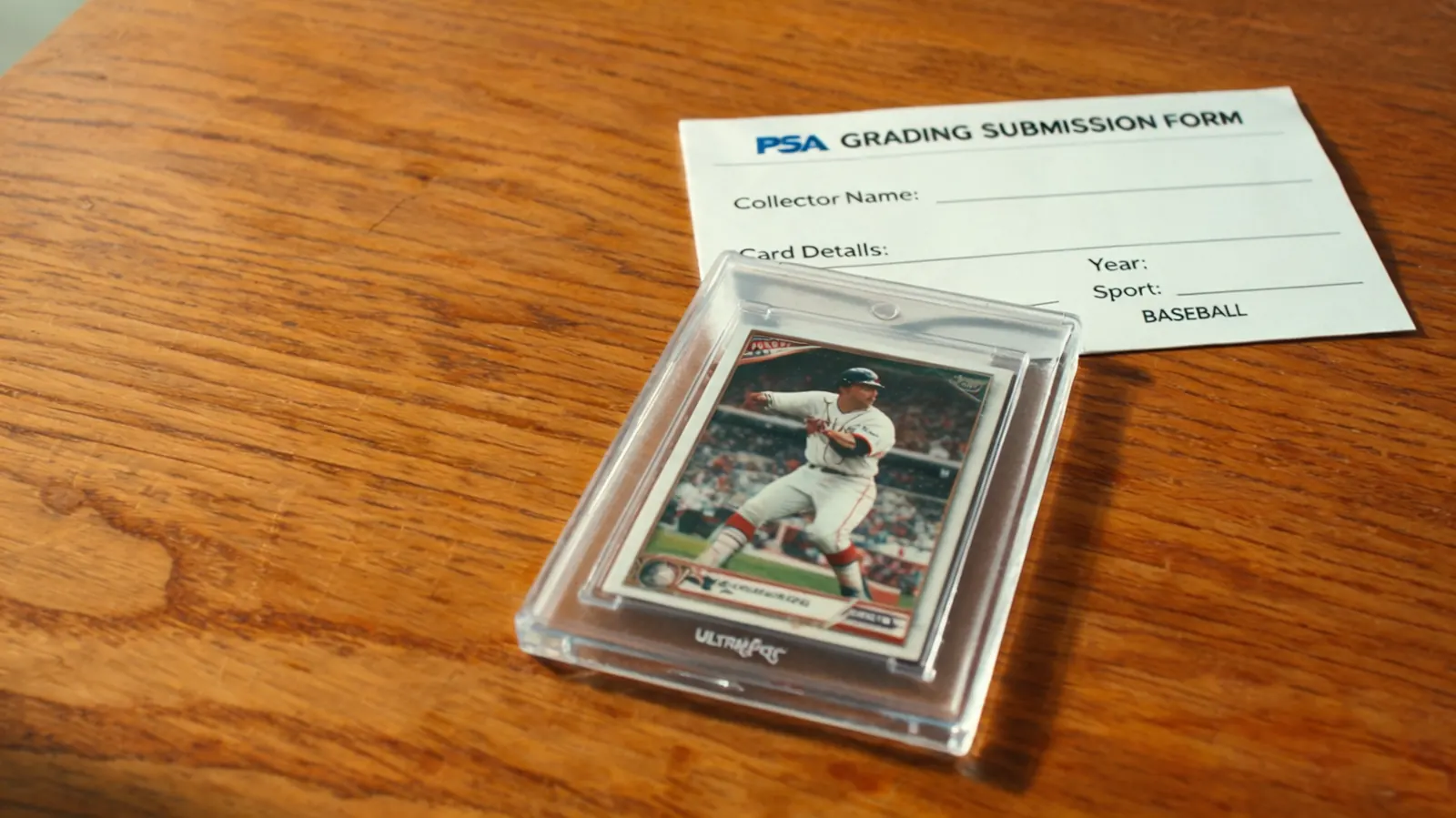
The first time I sent cards to PSA, I had a lineup of 14 cards I had been storing in Ultra Pro 35pt one-touch magnetic holders for about three months. They looked perfect sitting in there. Rigid, UV-protected, not going anywhere. I figured I would pack them up in the holders and ship the whole lot. A collector friend who had already done four PSA submissions stopped me before I touched the bubble mailer. 'PSA will not accept those. You need Card Savers.' I had no idea that the holder I trusted to protect my cards during storage was completely wrong for the actual submission package. I pulled every card out of its one-touch, transferred them to Cardboard Gold Card Saver 1 semi-rigid holders, and sent the batch properly. Every card came back graded, no damage, no issues. That was a close call that cost me an afternoon of re-sleeving and some mild panic. If you are building up cards for your first grading submission, this guide lays out exactly where the Ultra Pro One-Touch fits in the process, where it does not, and how to run a clean storage workflow from the moment you pull a hit to the day you drop a package at FedEx.
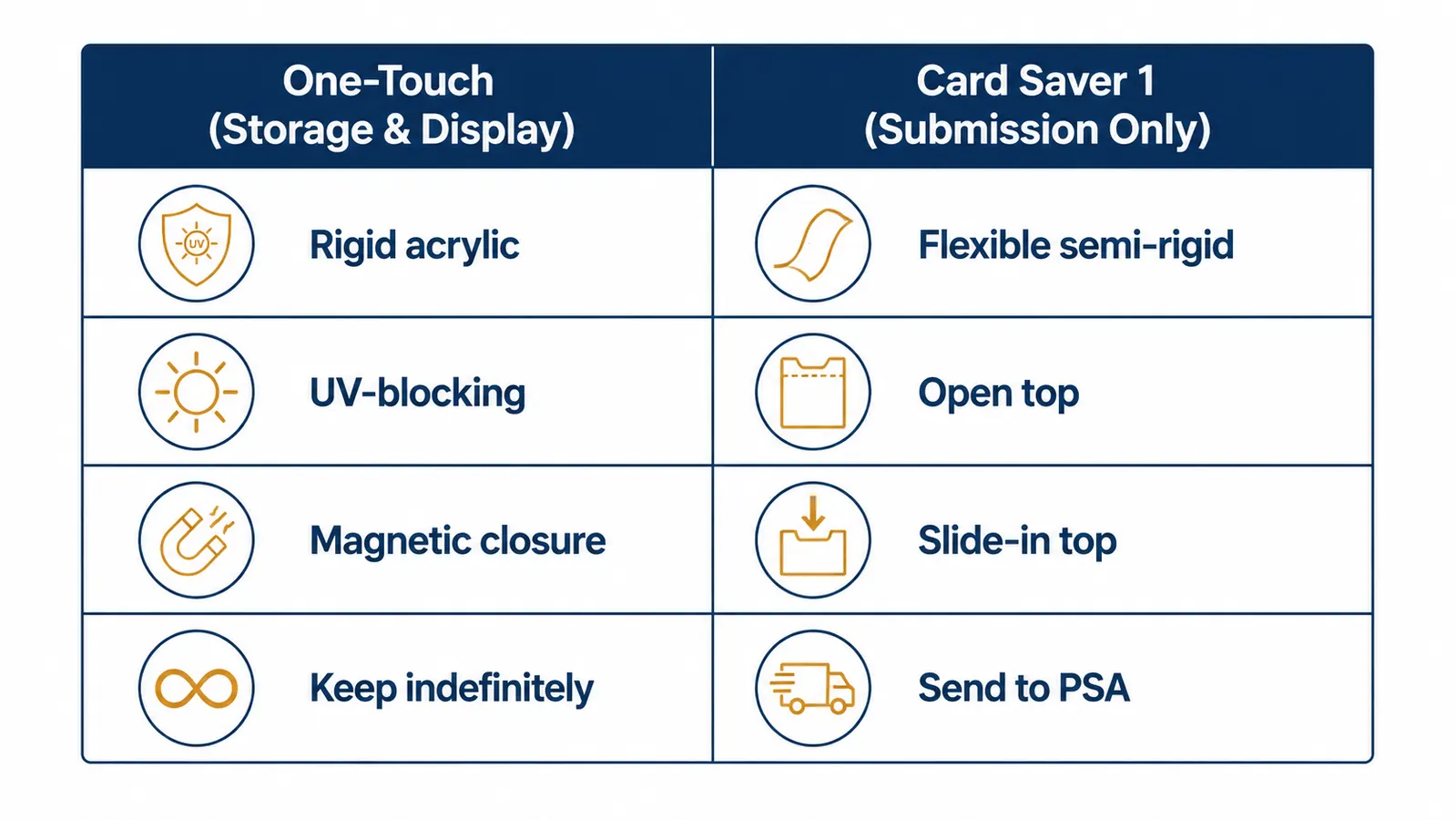
One clarification before we get into the steps, because this is the detail that trips people up most often. PSA, SGC, and CGC all require cards to arrive in semi-rigid holders, not rigid magnetic cases. The Card Saver 1 semi-rigid holder is the grading industry standard for submissions. The Ultra Pro One-Touch has two jobs in a grading workflow: protecting cards during the storage period while you accumulate a batch large enough to submit, and permanently displaying cards that do not end up getting slabbed. Neither of those jobs is the submission itself. Keep that separation clear and the rest of this guide makes complete sense.
Your grading-bound cards deserve solid protection from the moment you pull them.
The Ultra Pro 35pt One-Touch is the most common size for standard-thickness baseball, basketball, and Pokemon cards. If you are pulling thick refractors, Chrome parallels, or Pokemon full-art holos, grab the 55pt version instead. Both block UV light and use a magnetic closure that holds without applying pressure to the card surface.
Amazon Check Today's Price on Amazon →Step 1: Penny Sleeve the Card Immediately After You Pull It
The moment a card comes out of a pack or arrives in the mail, it needs a penny sleeve before anything else touches it. This is non-negotiable for grading-bound cards. Penny sleeves are thin enough that they will not add meaningful thickness to the card, but they create a physical barrier between the card surface and whatever holder you use next. Fingerprints, micro-scratches from the inside walls of a rigid acrylic holder, and static all become non-issues once the card is protected in a sleeve. I use standard Ultra Pro penny sleeves for most cards. For thicker stock like Chrome refractors, check that the sleeve you are using is rated for the card's thickness so it slides in without stretching.
Do not skip the penny sleeve even if you are going straight into a one-touch holder. The magnetic closure on a one-touch is firm, and if the card shifts slightly during the snap, an unsleeved surface can pick up a faint scratch you will not notice until the grader sees it under their loupe. Penny sleeves cost almost nothing per unit. There is no reason to gamble a potential PSA 10 on leaving that step out. Every grading-bound card that comes through my hands gets sleeved within the first sixty seconds of me touching it.
Step 2: Choose the Right One-Touch Point Size for the Card
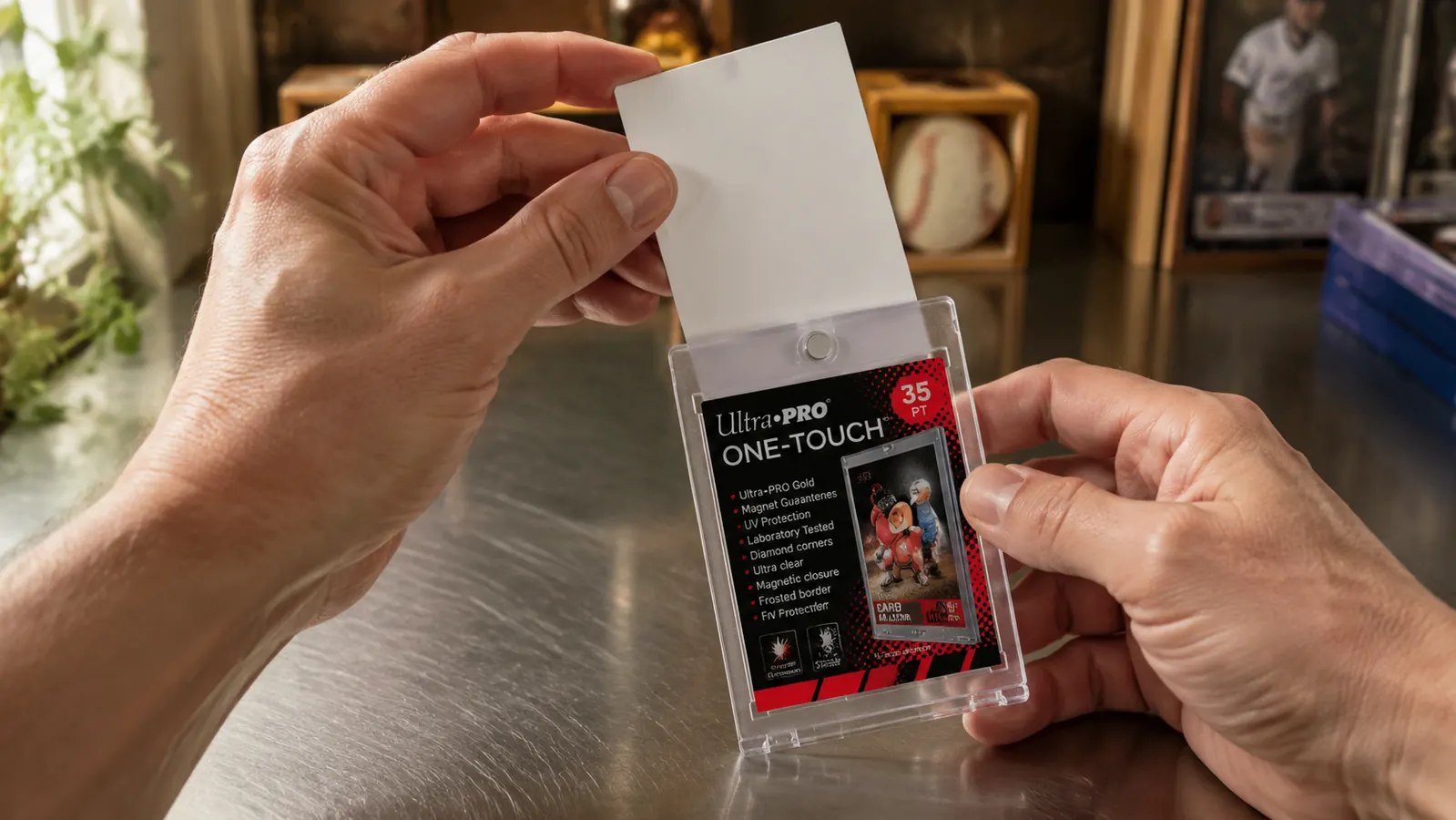
Ultra Pro One-Touch holders are labeled by the maximum card thickness they accommodate, measured in points (pt). One point equals one-thousandth of an inch. A standard modern base card, including most baseball and basketball cards from Topps and Panini, is approximately 20pt thick. The 35pt one-touch fits those comfortably with room for the sleeve. Topps Chrome, Bowman Chrome, and many foil Pokemon cards run closer to 30-35pt themselves, so they fit the 35pt one-touch but with very little extra room. If the card feels snug when you try to close the holder, or if you notice any visible pressure on the edges when the magnet snaps shut, step up to the 55pt version. Forcing a thick card into a holder that is too small puts lateral pressure on the corners, which is exactly the kind of subtle damage that shows up in a grading report as corner wear.
To load the card correctly, hold the open bottom half of the one-touch flat on a table, set the sleeved card into it, then slowly bring the top half down and let the magnets align and pull together on their own. Do not pinch or squeeze the holder closed. Letting the magnets close themselves reduces the chance of any edge pressure during the snap. If you can hear the card moving inside the sealed holder, the one-touch is too large for that card's actual thickness, meaning the card will rattle and shift during storage and transport. That movement causes corner dings over time. Match your holder to your card's actual point size.
Step 3: Store One-Touches Vertically, Not Stacked Flat
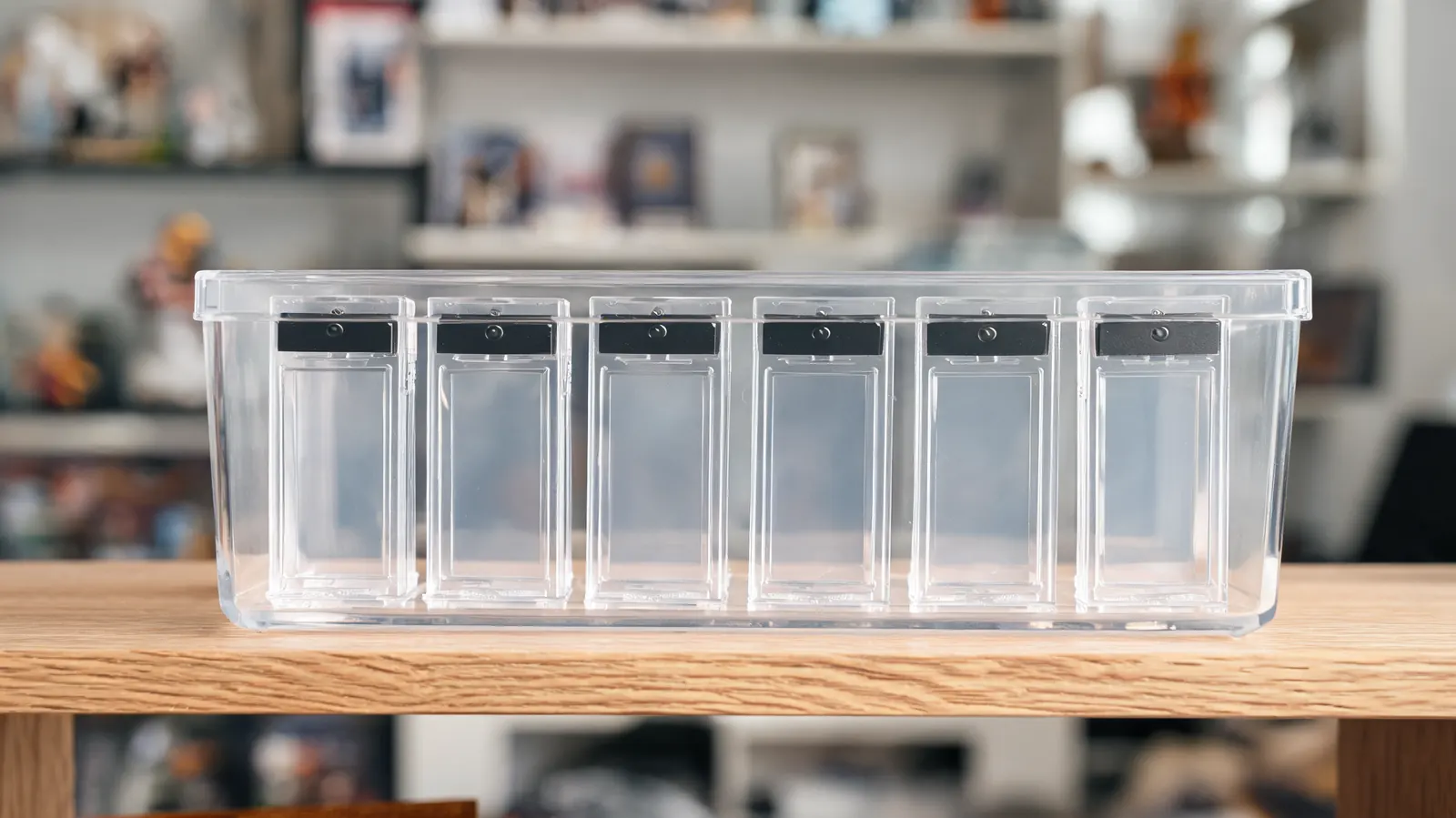
This is the storage mistake I see most often in pull videos and collection tours. Collectors stack one-touch holders flat in piles. It looks neat. It is actually a slow-motion problem. Stacking holders flat puts the weight of every case above directly onto the card sitting below. One-touch holders are rigid acrylic and do not flex like soft sleeves, but the card inside can still experience edge compression over months of storage, particularly near the corners where the acrylic walls meet. The cumulative effect over a three-month submission queue can be enough to affect a grade on a card that started as a PSA 10 candidate.
Vertical storage solves this entirely. Stand the holders upright in a plastic bin with dividers, a dedicated card storage box, or a section of a BCW monster box with foam inserts cut to size. The card's weight now distributes through the holder's base and the bin floor rather than pressing down on another card below. I store all of my grading-queue one-touches in a clear plastic bin on a dedicated shelf in my home office. I put a small removable label on the outside of each holder with the player's name and year so I can see the lineup without opening anything. When I have enough to build a full submission batch, I can read the entire queue at a glance.
Step 4: Control Temperature and Humidity in the Storage Room
Physical handling damage is the obvious threat to grading-bound cards. Environmental damage is slower and sneakier. Humidity above 50 percent causes card stock to absorb moisture unevenly, leading to waviness and warping that is extremely difficult to reverse. Heat above 85 degrees Fahrenheit accelerates fading on foil surfaces and can soften the surface gloss on certain card finishes enough for impressions to form from contact points inside the holder. A basement that floods with humidity every summer or an attic that bakes in July is not a grading-prep storage space, regardless of how good your holders are.
Keep your submission-bound cards in a climate-controlled room, away from exterior walls and direct sunlight. A cheap digital hygrometer from any hardware store lets you monitor the room's relative humidity. If the reading climbs above 50 percent, run an air conditioner or a small dehumidifier until it drops. I have one sitting on the shelf next to my card bin. When it reads high, I know before my cards know. The cards I plan to submit never go into the garage, under a bed near an exterior wall, or anywhere I would not feel comfortable storing a printed photo I wanted to preserve for decades. The investment you are making in grading fees deserves at least that much environmental consideration.
The one-touch holder is your card's home between the day you pulled it and the day you ship it to PSA. The Card Saver 1 is its travel document for that one trip. They are not interchangeable, and knowing which is which is the difference between a smooth submission and a rejected package.
Step 5: Transfer from the One-Touch to a Card Saver 1 Before You Submit
When your batch is ready and your PSA, SGC, or CGC submission form is filled out, you need to move every card from its one-touch holder into a Card Saver 1 semi-rigid holder before packaging. This surprises a lot of first-time submitters. PSA explicitly states in its submission guidelines that it will not process cards arriving in rigid holders, including magnetic cases, screw-down frames, or hard acrylic display cases. The practical reason is straightforward: graders need to remove cards from holders quickly during inspection, and a semi-rigid Card Saver flexes open easily with one hand while a rigid one-touch requires effort to pry apart and risks handling damage during that process.
To transfer safely, open the one-touch by working a fingernail or a thin plastic card-opening tool into the seam at the top edge and gently pry the magnet apart. Keep the penny sleeve on the card. Slide the still-sleeved card directly into the Card Saver 1 through its open top end. The card should slide in smoothly with no resistance. If it catches, the sleeve may be adding just enough thickness to bind in that particular Card Saver. Try a slightly thinner sleeve. Once all cards are in Card Savers, stack them face-forward in the order they appear on your submission form, band them in groups of ten, and package them per your grading service's current shipping and packaging instructions. The one-touch holders stay home. Your Card Savers make the trip.
What Else Helps with a Grading-Prep Storage Workflow
Beyond the one-touch and Card Saver workflow, a few additional habits consistently separate the collectors who get high grades from the ones who are disappointed. Handle every grading-bound card by its edges only, never touching the face or corners directly, from the moment it leaves the pack until it is sealed in a holder. Examine cards under a loupe or a strong LED flashlight held at a low angle before deciding they are worth submitting. Surface scratches that are invisible under normal overhead light show up immediately under raking light. Finding those issues before you pay grading fees is far better than finding them in the grade report.
Keep a simple written log of every card in your submission queue. Note when you acquired it, where you got it, and what condition it looked like when you sleeved it. If a card comes back with a grade lower than you expected, the log gives you something to work backward from. For collectors who pull nice cards but decide not to submit them, the one-touch holder serves a permanent second purpose: it is the best long-term display case for high-value ungraded singles sitting on a shelf. The UV-blocking acrylic slows surface fading from ambient light, the rigid shell prevents corner dings from shelf contact, and the magnetic closure holds indefinitely without loosening. I have probably forty cards in one-touches on my display shelf right now that I decided were not worth grading fees but too good for a regular top loader. They look sharp, they are protected, and if I change my mind on one, I can still transfer it to a Card Saver and submit it.
Build your one-touch storage stack before the next submission window opens.
The Ultra Pro 35pt One-Touch is sold individually and in multi-packs. If you are building a serious grading queue over the next few months, stocking up now means you will not be scrambling for holders the week before your submission deadline. Check current stock and pricing on Amazon.
Amazon Check Today's Price on Amazon →